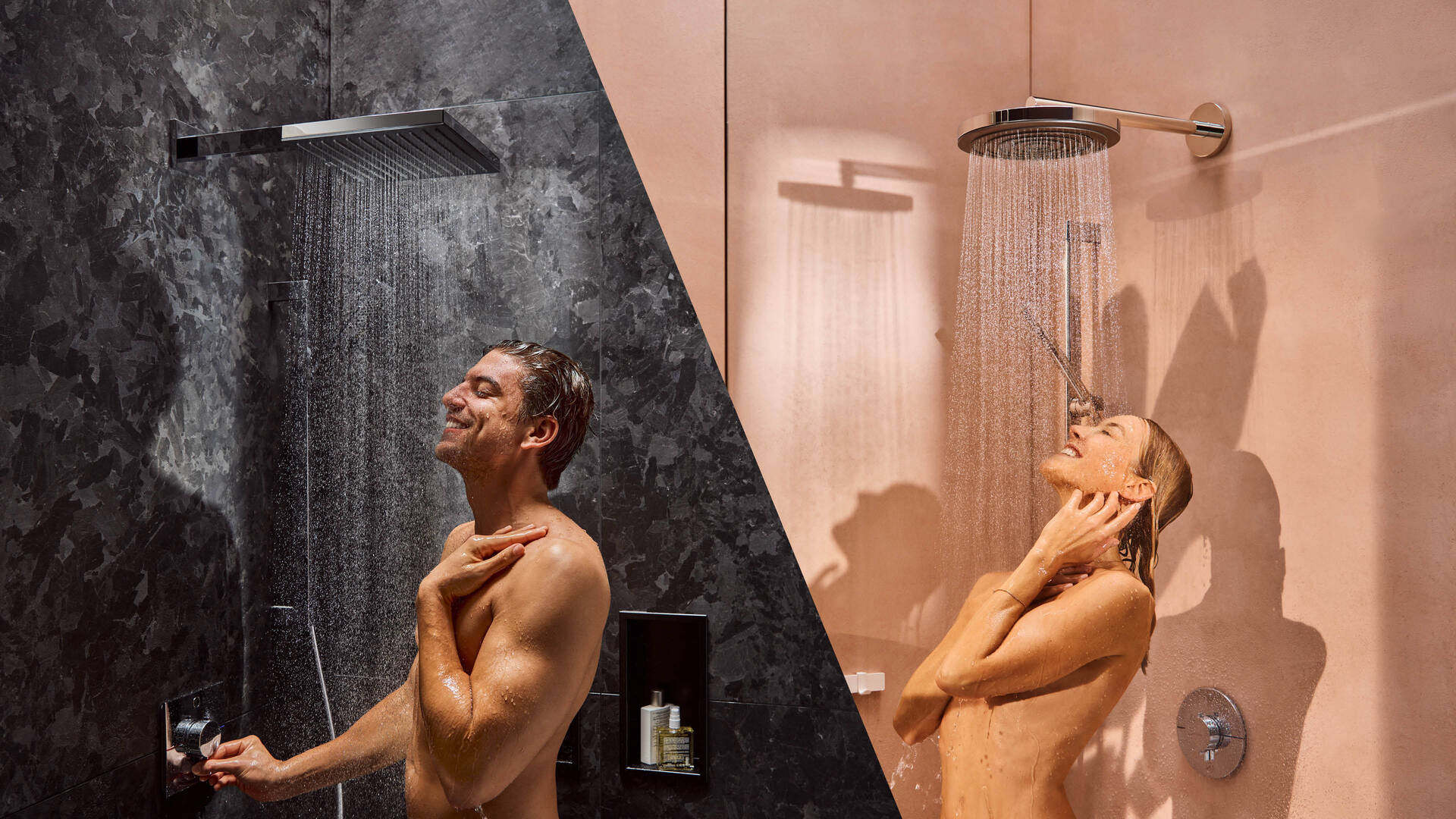
Pulsify is now available in two inspiring designs – E and S
Discover more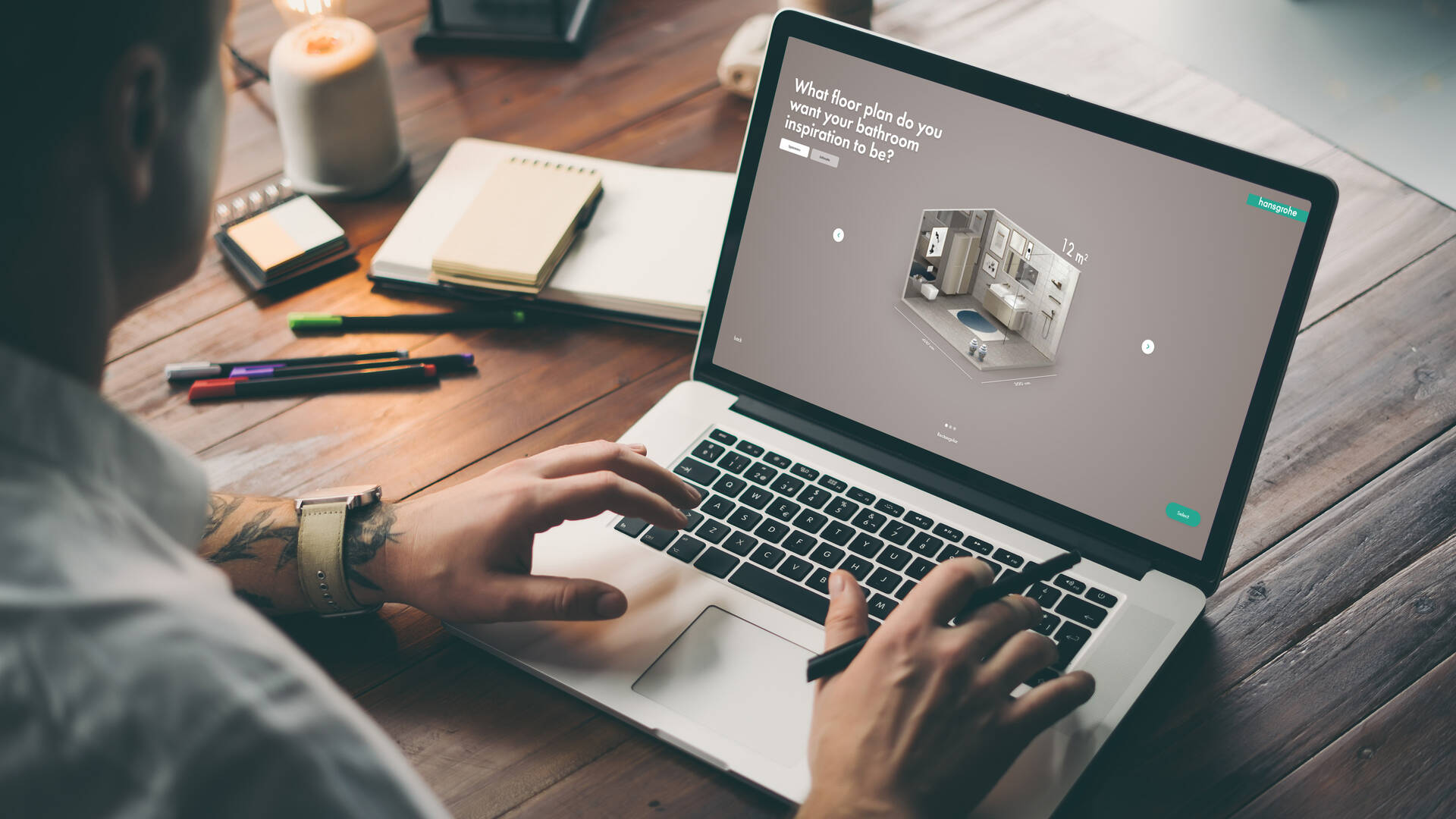
Dive into hansgrohe’s bathroom world
Get inspired!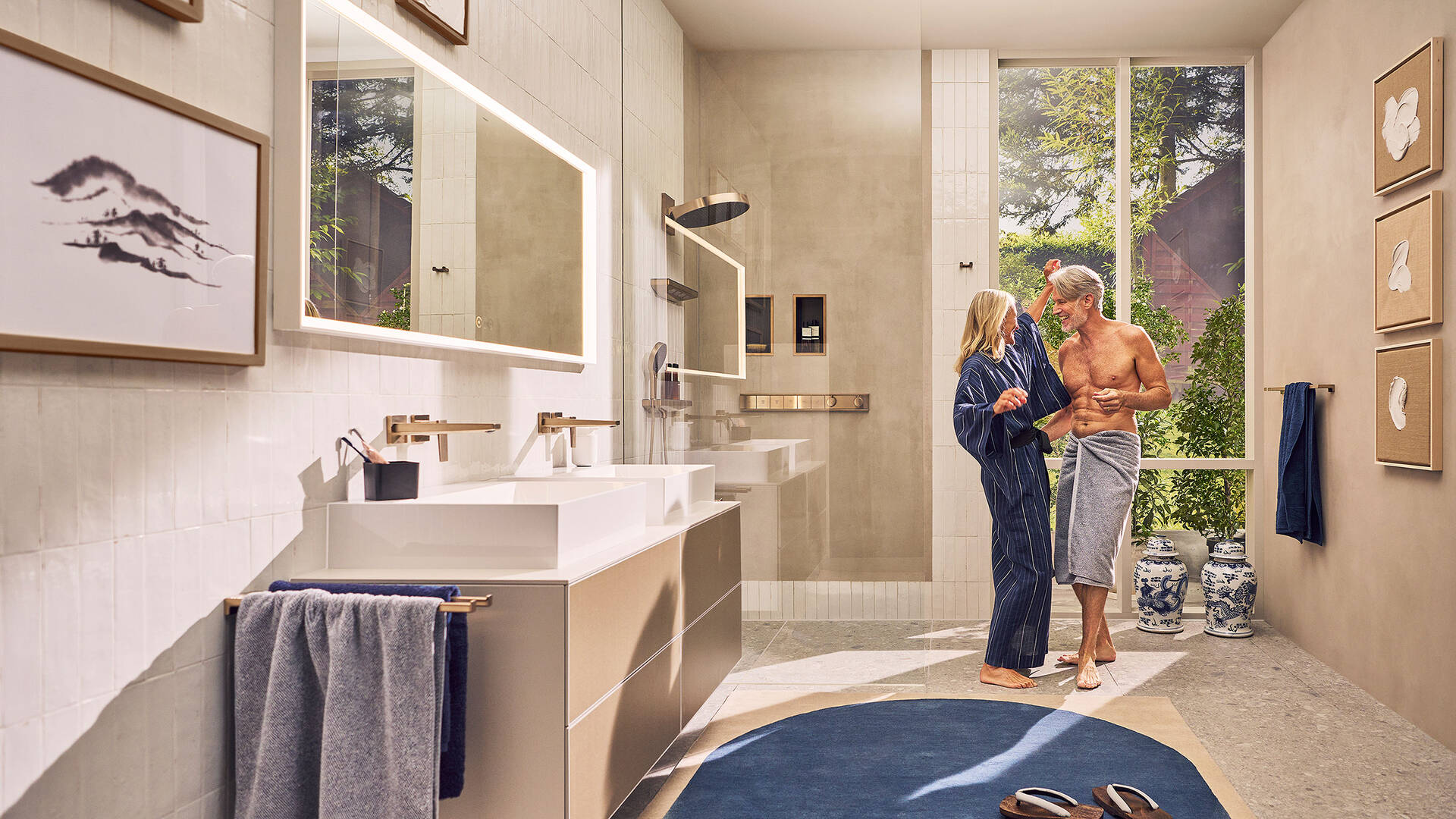
Imagine a bathroom like never before
Find out more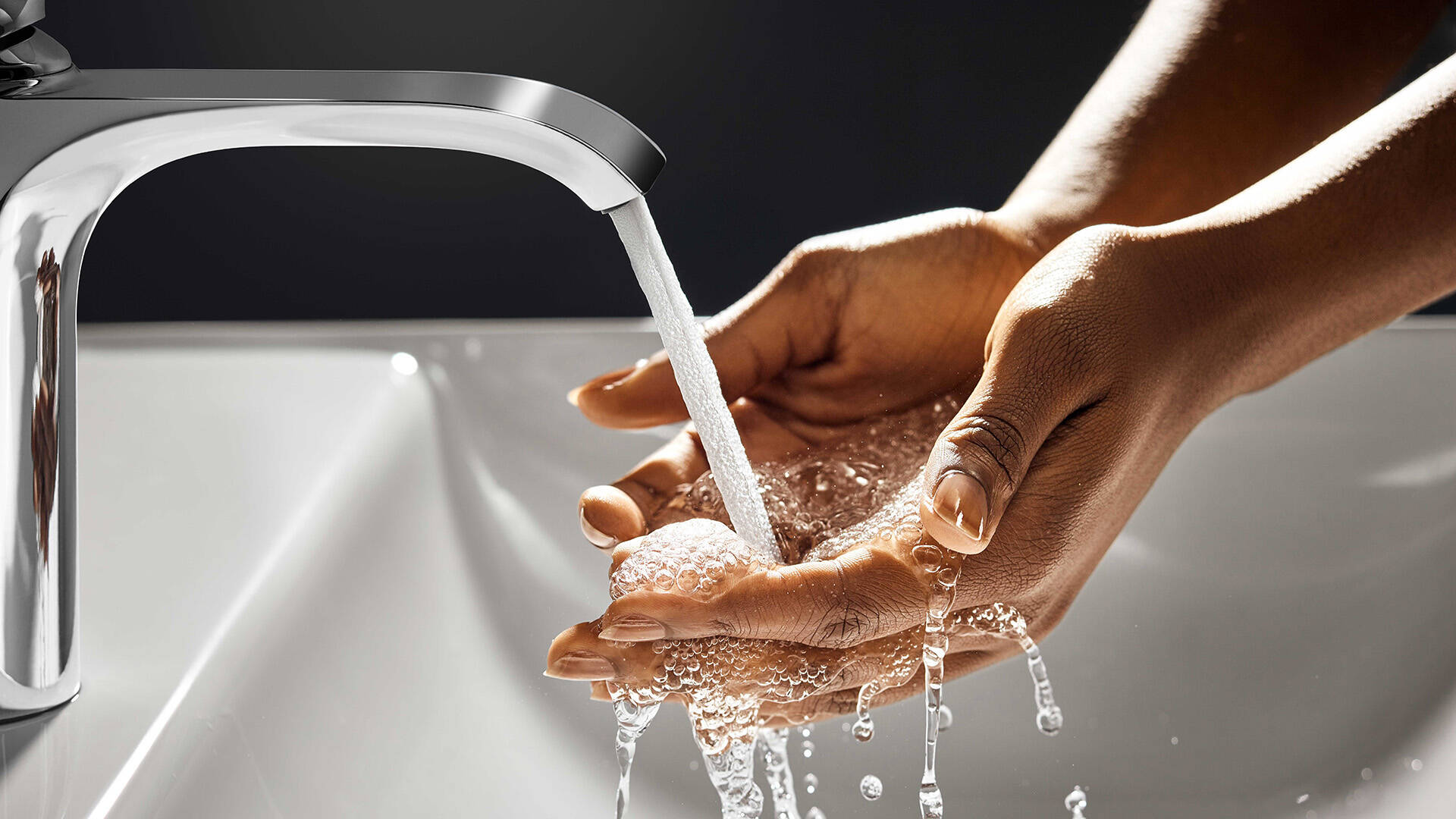
The fascination of water: Let yourself get swept away!
Find out moreIf you love beautiful design in the bathroom and kitchen and recognise the importance of excellent quality, then this is the right website for you. You will find an abundance of premium products for showers, bathrooms and kitchens with hansgrohe. What’s right for you? Check out our range of products: Taps for wash basins, showers and bath tubs. All kinds of showers: hand showers, overhead showers, showerpipes and shower systems. Kitchen products, including kitchen taps, kitchen sinks and sink and tap combi units.
Be inspired by our passion for water! hansgrohe does all it can to add beauty and sensuality to your encounters with water. After all, we know how nice it is to shower, bathe and wash up when you have a visually and physically flattering, emotive design that is comfortable to hold and indulges the senses. hansgrohe has tested more than 12,000 tap and wash basin combinations to guarantee all wash basin elements are compatible.
“Made by Hansgrohe” is synonymous with “Designed for Life”. For almost 120 years now, we have been using the art of German engineering and our eye for detail to develop innovative products, technologies and functions with a long lifetime. Even when great demand is placed on them. See the difference smart ideas can make, for example with hansgrohe Select technology.
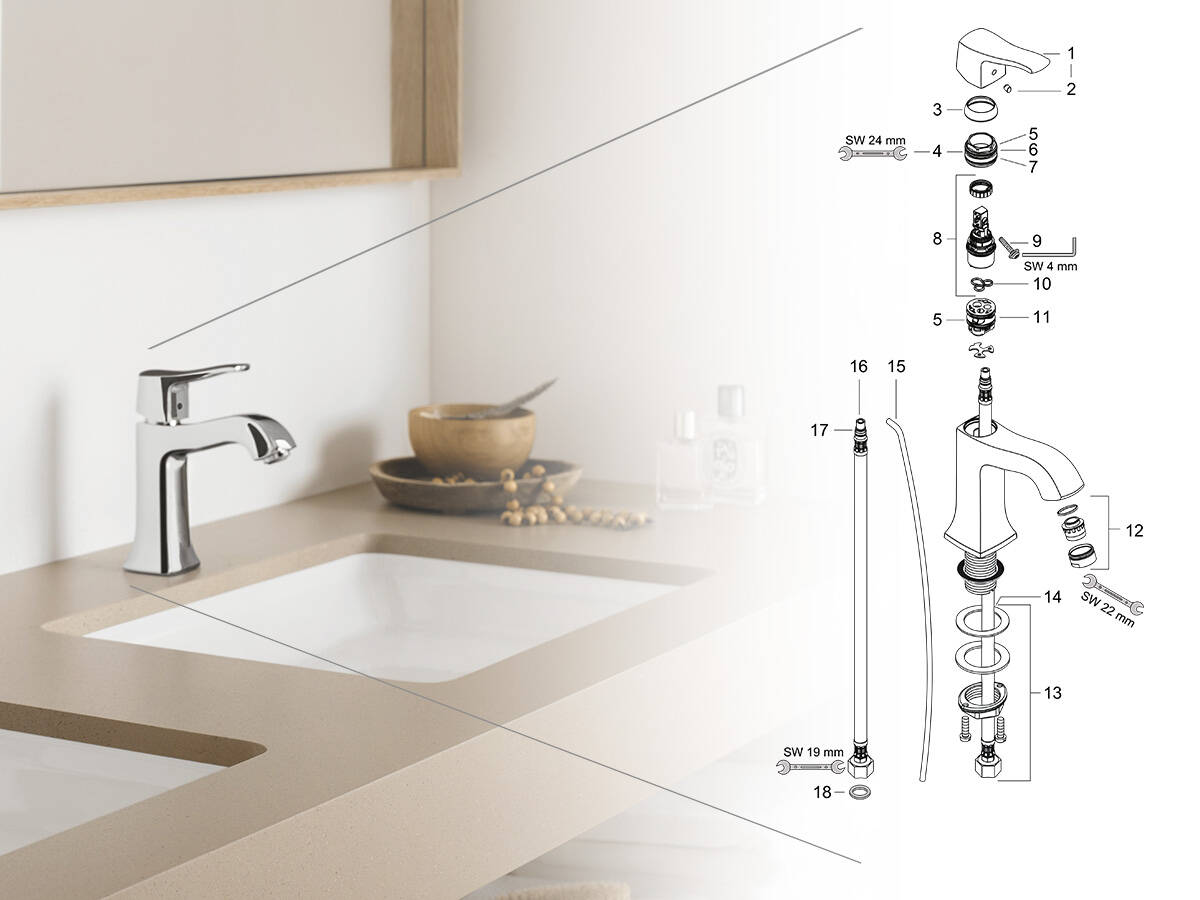
On the hansgrohe website, you will find trends and creative ideas for your bathroom and kitchen designs. With our online information, mobile tools and catalogue downloads, we aim to provide you with inspiration and support during the planning phase. Good to know: We will continue to be your reliable partner, even after your purchase, especially when it comes to help, service, guarantee or spare parts.